Amplify allows you to create a Petition in a campaign so organisations can build a group of people interested in an issue. Petitions are very useful for working with people who are not in the voter file and/or establishing a contact and starting an engagement conversation. Petition survey data becomes available for grouping and comparing to the voter file, if applicable.
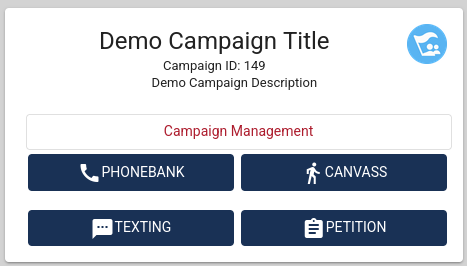
To create a Petition, click on the Campaign Management button on the Campaign you would like to add the canvass.
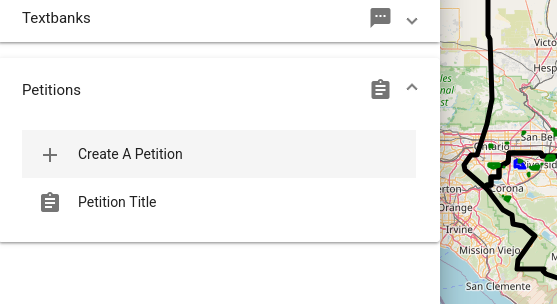
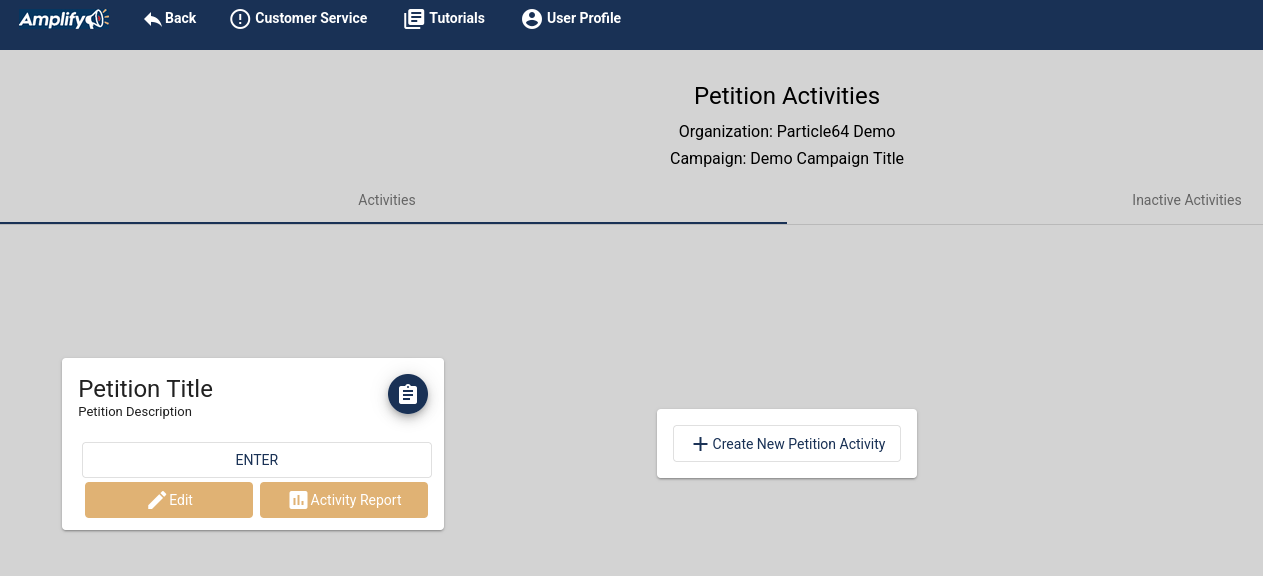
Click on "Petitions"
Click on "Create A Petition"
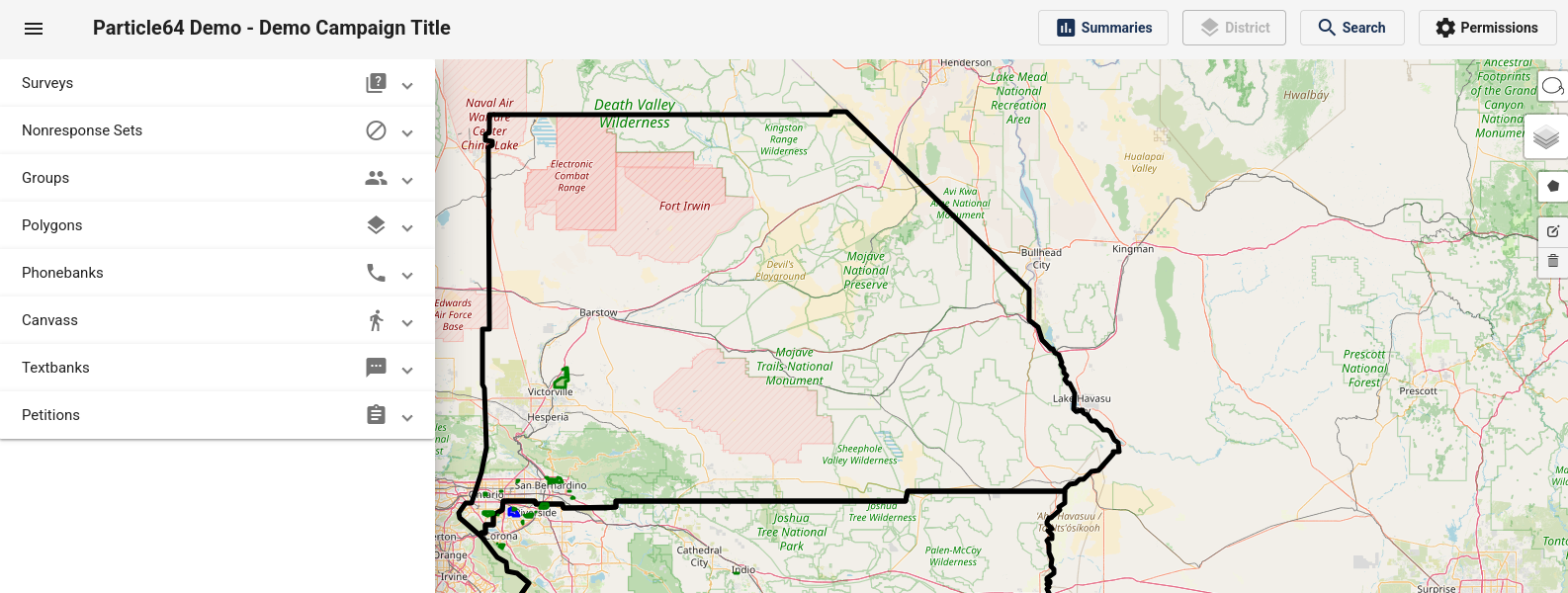
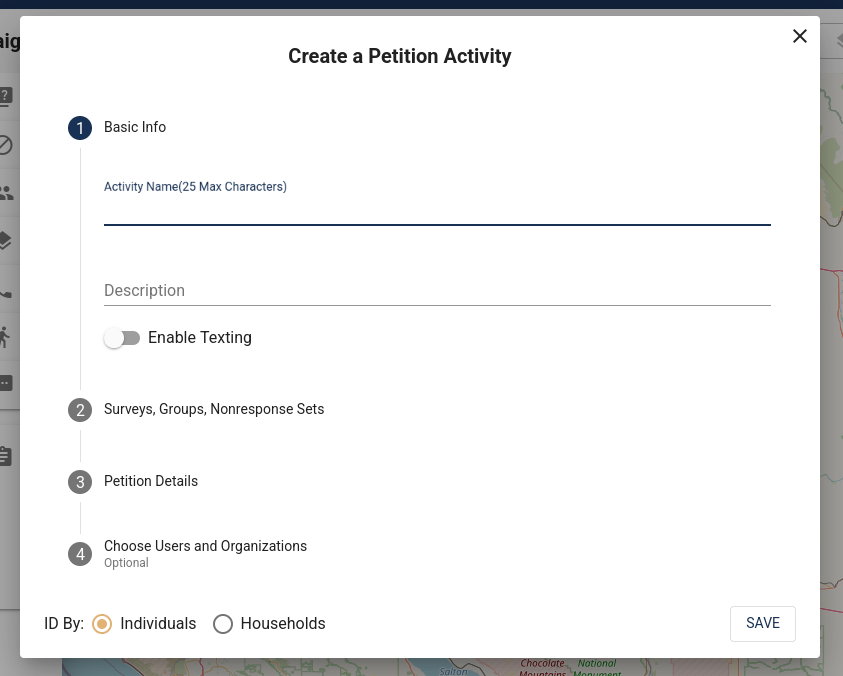
Name the activity, give it a description (optional), select the Survey.
Users and Organizations can be designated so the activity can be assigned.
If you have not created at least one survey you will be reminded that it needs to be created before creating the Petition.
Once Saved, the Name and Description will show up here on the activity:
You can also send the volunteers a link to the Petition so they will be taken there directly.
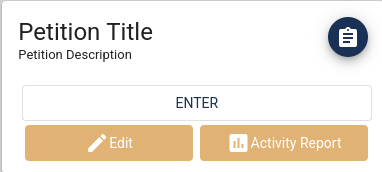
Click the Edit Button and click on #4 "New User Link" and then "Get User Link"
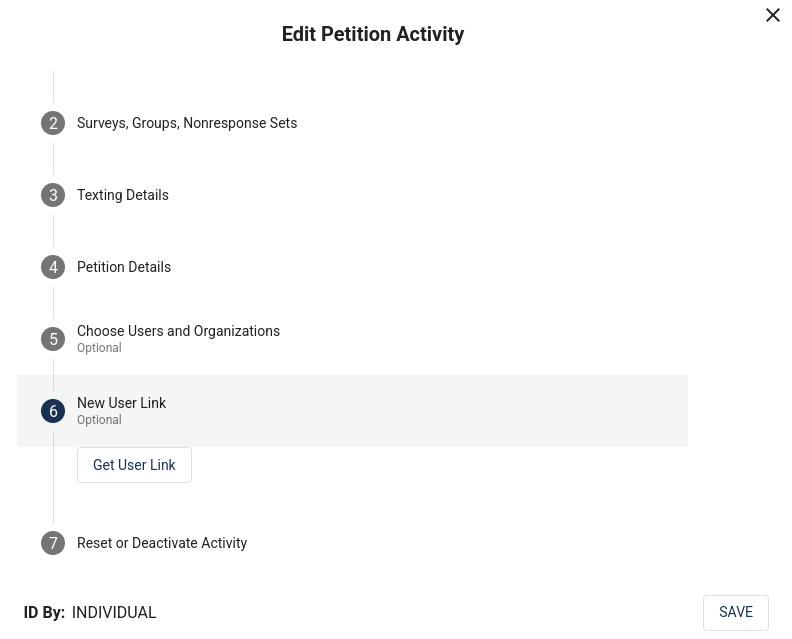
Copy the link and send that link to the volunteers: