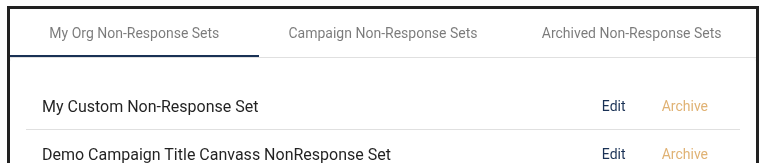
Nonresponse Sets are generic response added to surveys for canvassing and phonebanking. The one generated for Canvassing includes Wrong Adress (INVALIDADDRESS), Do Not Contact (DNC) and Not Home (NONRESPONSE). The one generated for Phonebanking includes Wrong Number (INVALIDPHONE), Do Not Contact (DNC) and Not Home (NONRESPONSE).
When a volunteer selects either Wrong Adress (INVALIDADDRESS), Wrong Number (INVALIDPHONE) or Do Not Contact (DNC), Amplify will filter out the bad address, phone number or contact from the Campaign's contact lists and voter file.
When a volunteer selects Not Home (NONRESPONSE), the contact can be added again to the activity. Activities can be reset for another pass to include the not homes.
Customizing Nonresponse Sets:
An Administrator can create, archive and edit existing Nonresponse Sets. A Non-Response Set is required to create activities.
Click on Nonresponse Sets
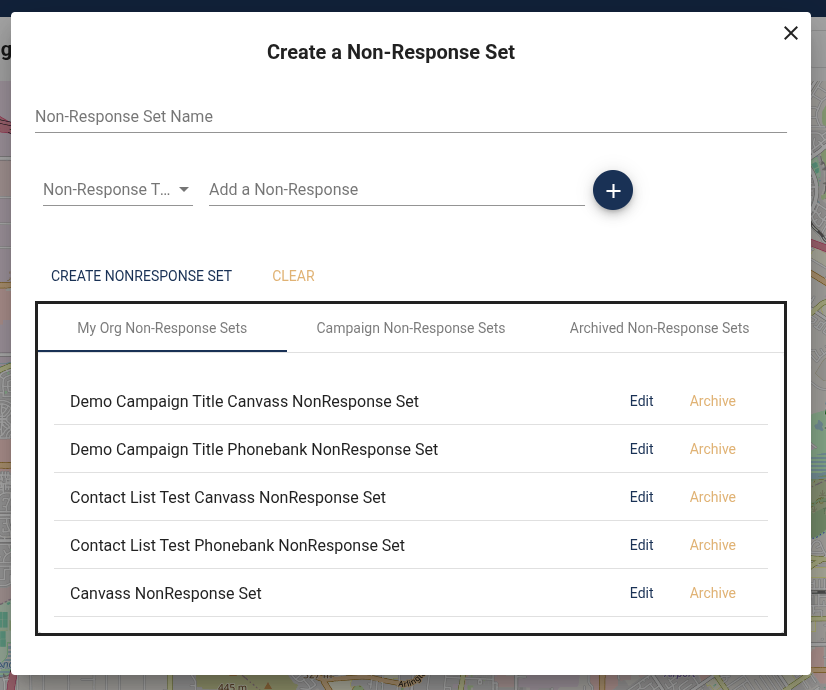
There are serviceable Nonresponse Sets that are created when the campaign is created but if if an Administrator wants to add custom nonresponses to a survey they can.
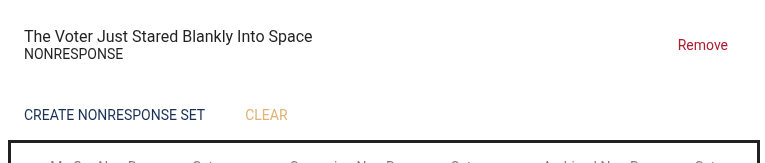
Give the Non-Response Set a name. Select a Non-Response Set "Type" and add the text that the volunteer will see under "CREATE NONRESPONSE SET." Give it a name and add the button text and how you want to record the response.
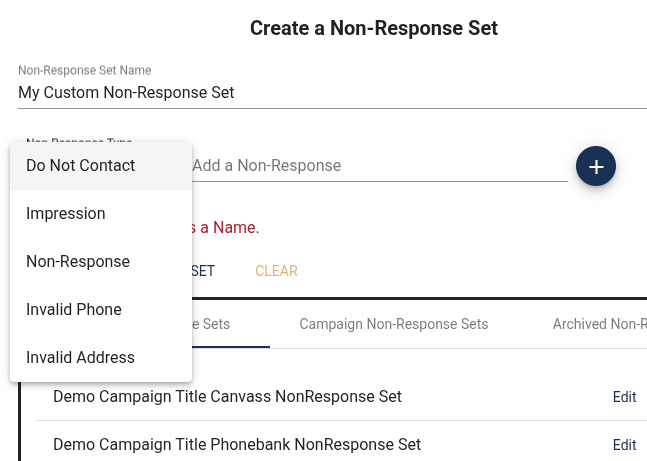
Add as many as you like:
- Do Not Contact: (This will remove access from this contact)
- Impression: (This will mark the contact as having left some sort of impression like a lit drop)
- Non-response: (No contact or lit drop, just not home or maybe not accessible.)
- Invalid Phone: (The contact info is no longer valid)
- Invalid Address: (The contact info is no longer valid)
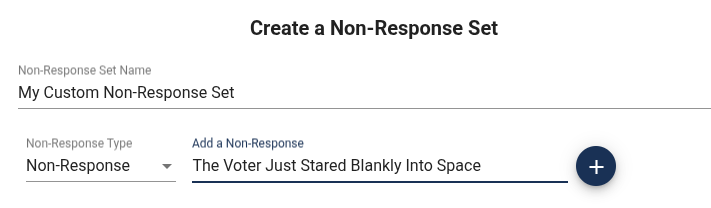
Write the Button text and click the blue Plus button. Then click on "CREATE NONRESPONSE SET"
The non-response set is now available to add to an activity's survey.